
Point-and-click setup for easy AI development
VibeMagic Desktop is a desktop app that takes the friction out of building with AI. It checks your computer, sets up the professional tools the pros use, tunes your AI assistant, and helps you manage and deploy your projects — all without touching a command line. Built for people who want to build, not configure.
- Platform
- Windows first
- Next up
- Mac & Linux
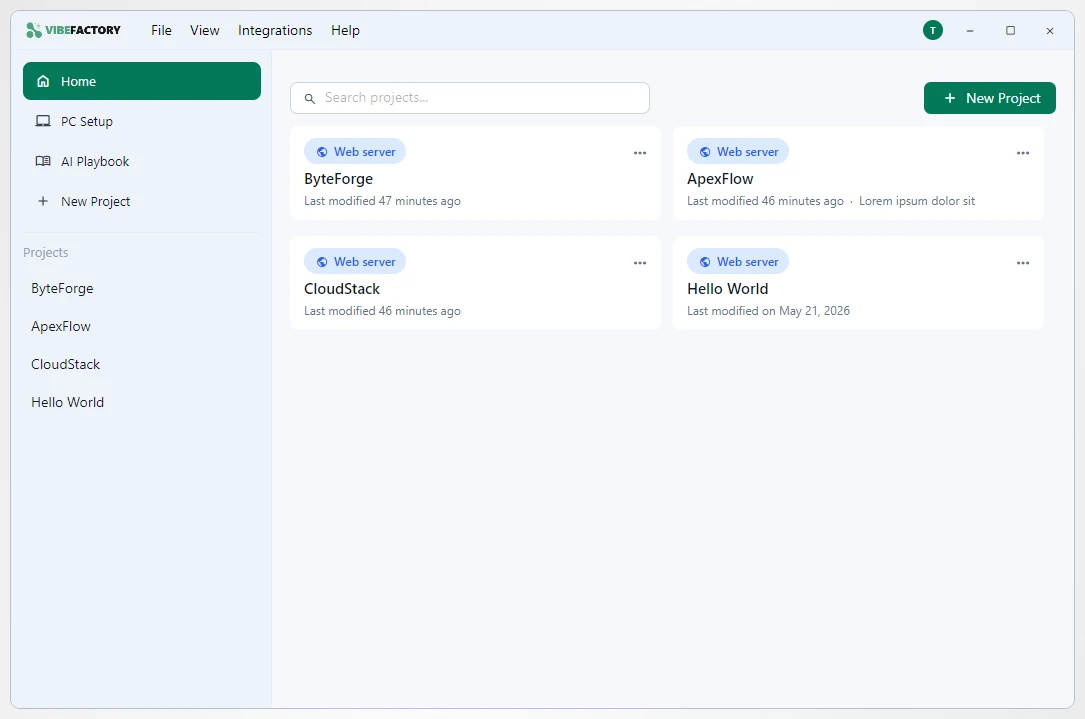
From idea to building — in a few clicks.
VibeMagic Desktop handles the parts that usually trip people up — setup, AI configuration, and deployment — so you can focus on what you're building.
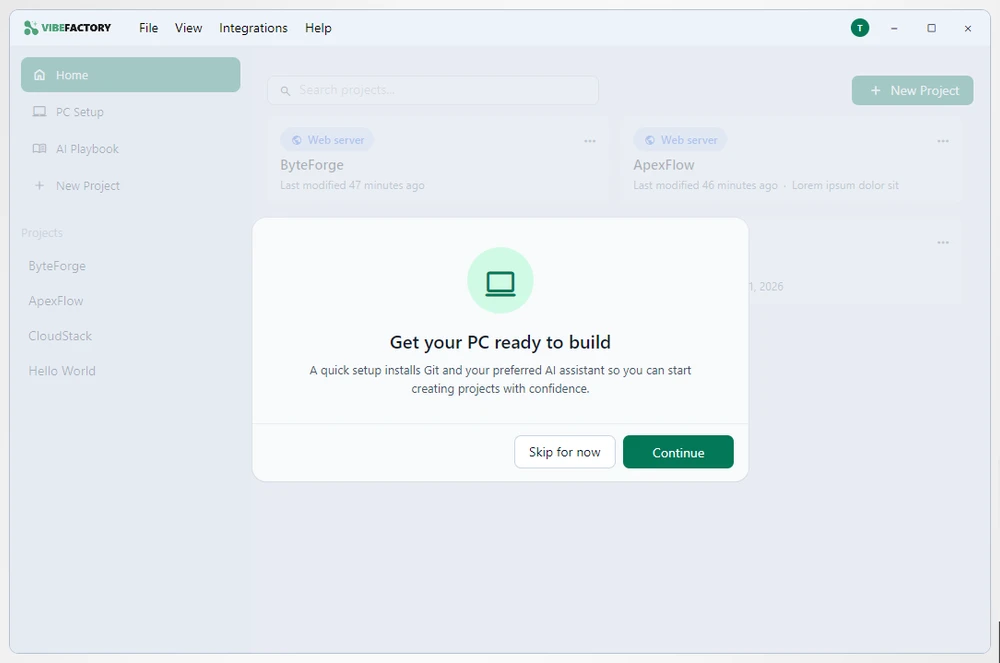
Set up the right tools
VibeMagic Desktop checks what's already on your PC and sets up the rest — no command line required.
- Installs Git, your AI coding tool and databases — only what your project actually needs
- Works declaratively: change your setup and the Desktop app keeps your machine in sync
- Guided prompts walk you through anything that's missing
Get more from your AI
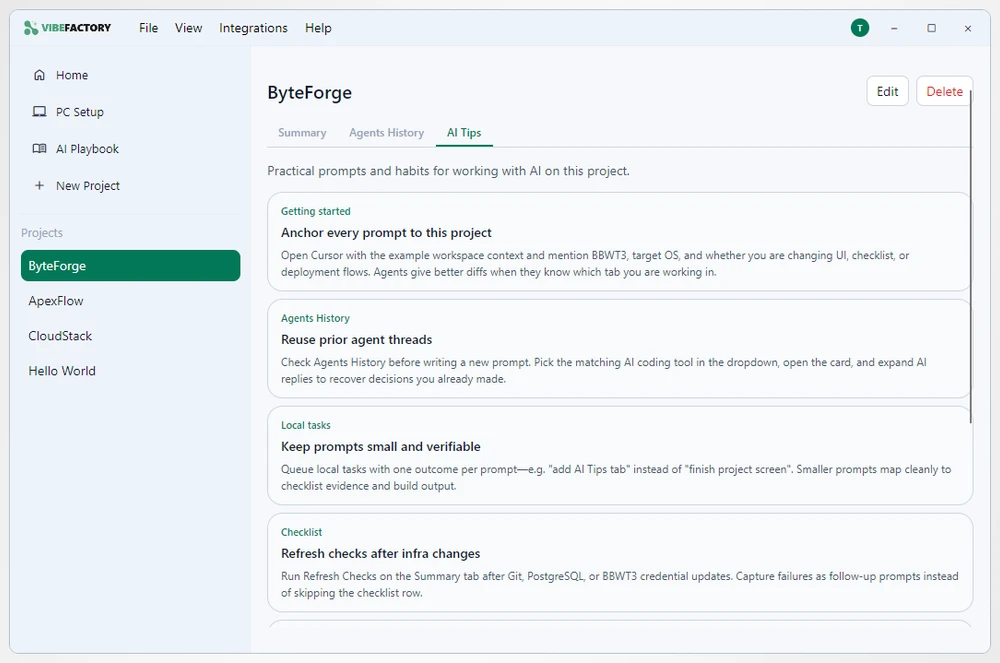
Works with the major AI coding tools, including Claude Code and Cursor — and helps you use them well.
- Project-aware tips for prompting and the habits that actually help
- A clean, readable history of every prompt across your agents
- Configuration checks that suggest improvements for your project
Manage & deploy projects
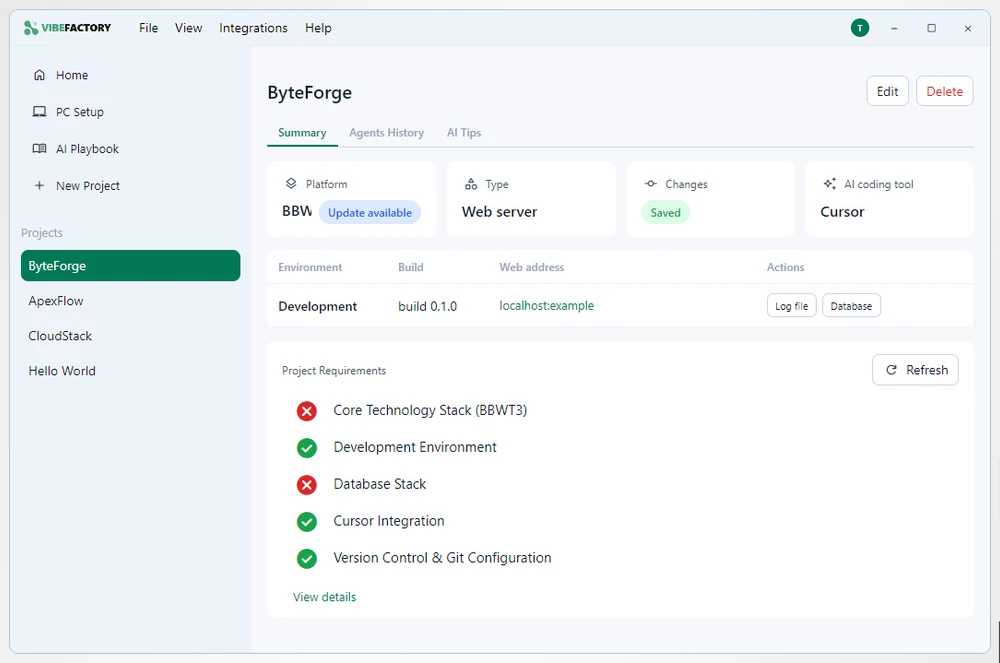
See where every project stands at a glance, then check in and deploy when you're ready.
- An at-a-glance summary: platform, AI tool, builds and checks
- Dev, Test and Live environments with one-click deploy
- Built-in Safe Deploy keeps new apps behind proxy protection
A closer look at VibeMagic Desktop features.
From first sign-in to deploying your app. Swipe, or use the arrows.
-
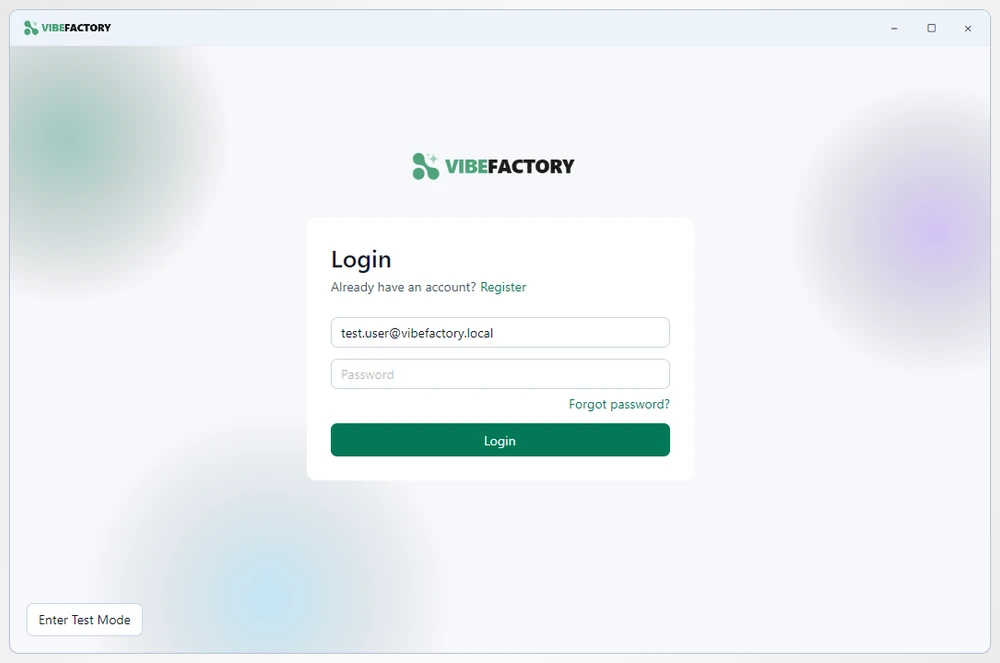
Sign in with your VibeMagic account -
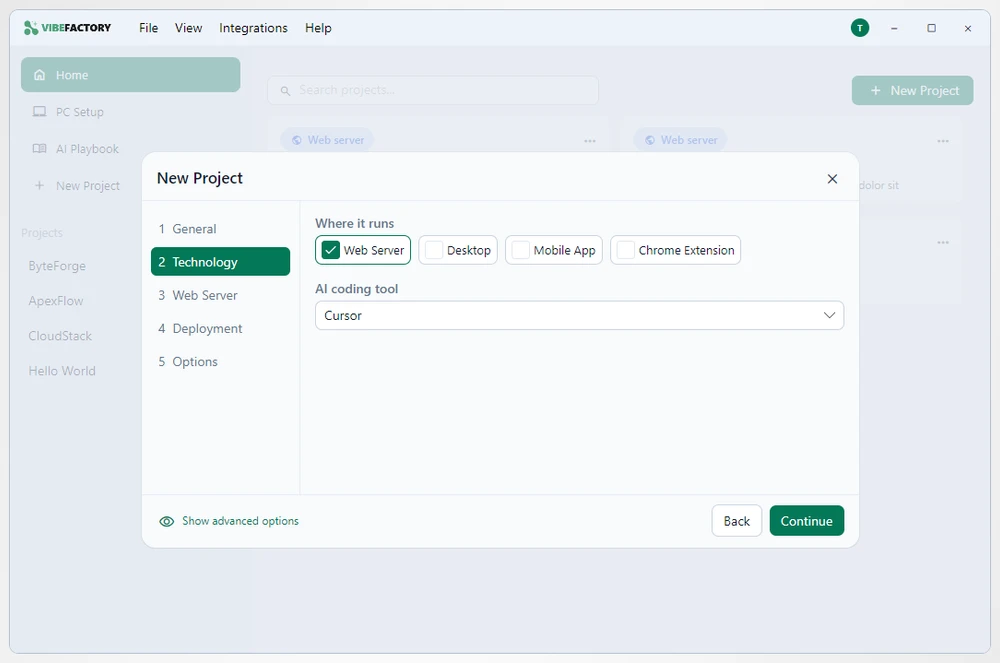
Choose what you're building -
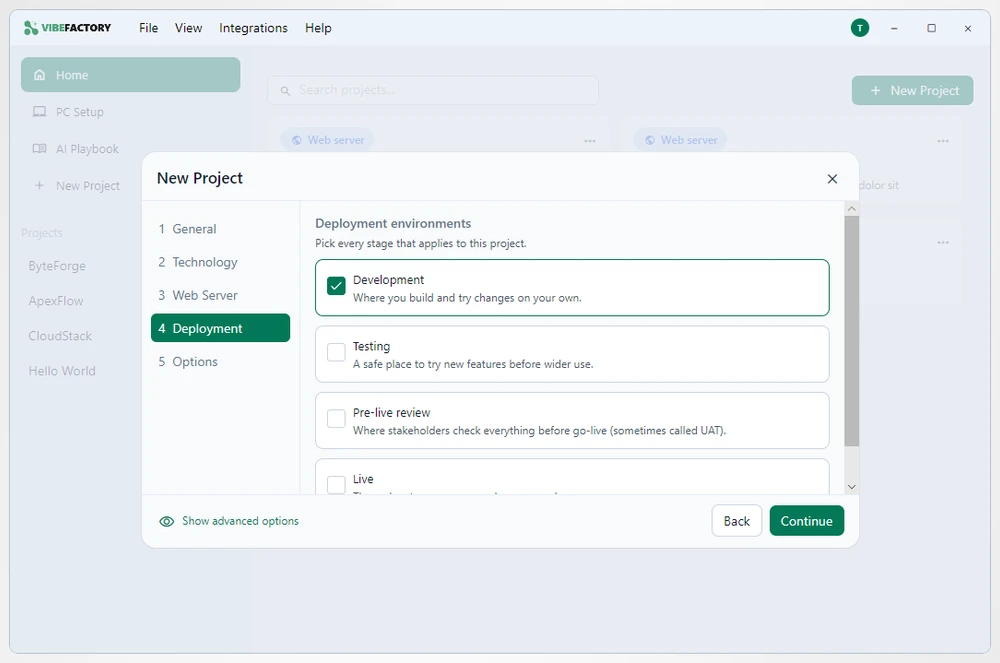
Pick your deployment environments -
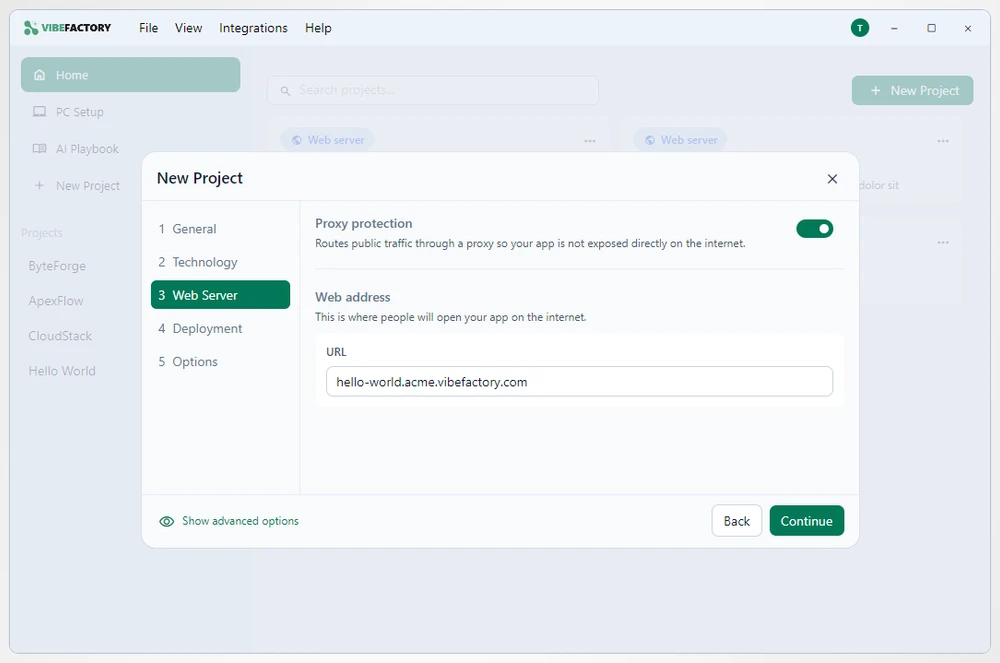
Safe Deploy — proxy protection built in -
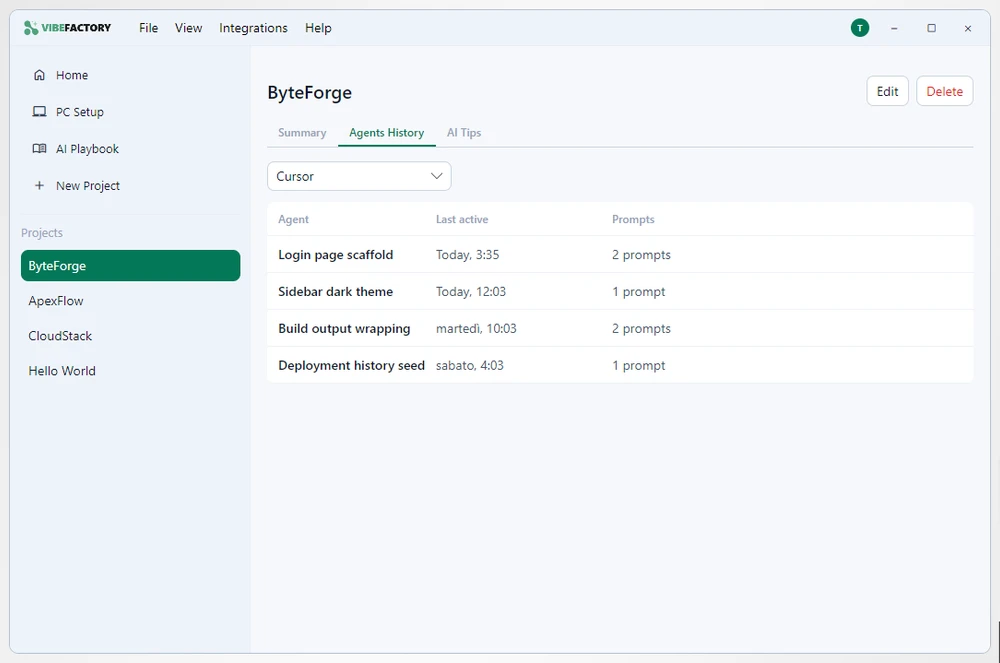
Prompt history across your agents -
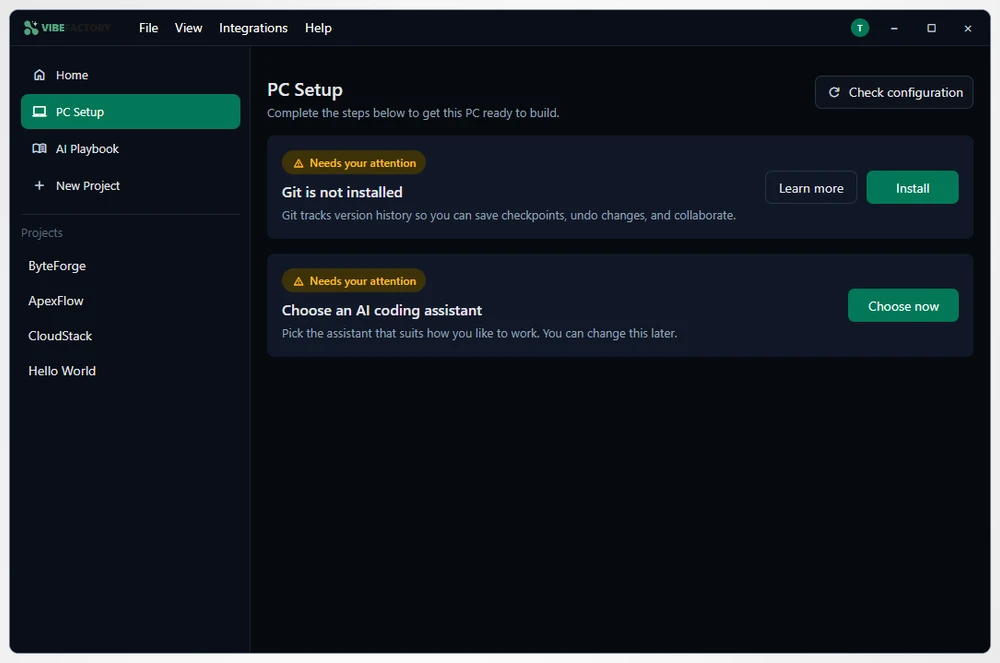
Light and dark themes
Two tiers, one connected workflow.
Standard & Pro
Standard gets you set up and coding with the core assistance built in; Pro adds extra tools for power users.
Works with Portal
Sign in once with your VibeMagic account and your settings stay in sync between your desktop and the Portal.
Be first to try VibeMagic Desktop.
VibeMagic Desktop is coming soon. Register your interest and we'll let you know the moment it's ready.